> ## Documentation Index
> Fetch the complete documentation index at: https://fillout-005a867b-dependabot-npm-and-yarn-form-data-4-0-6.mintlify.site/llms.txt
> Use this file to discover all available pages before exploring further.
# Add headings to you form
> Add a heading to your surveys and forms on Fillout to create a well-structured and user-friendly experience.
## How to add a heading
Click `Heading` in the left-hand panel or simply drag and drop it onto your form. Then, type the text you want to display.
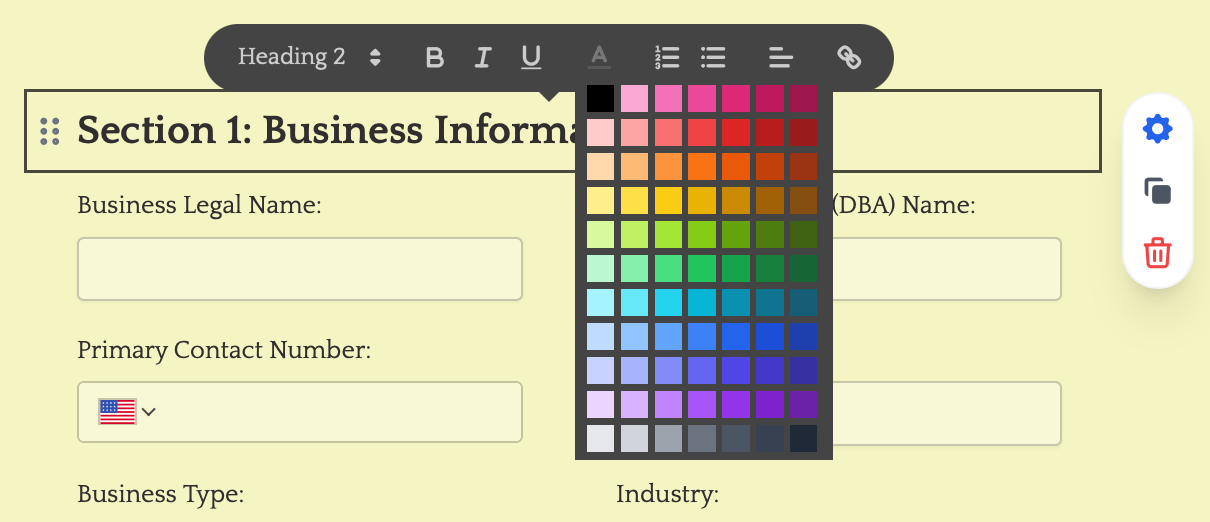
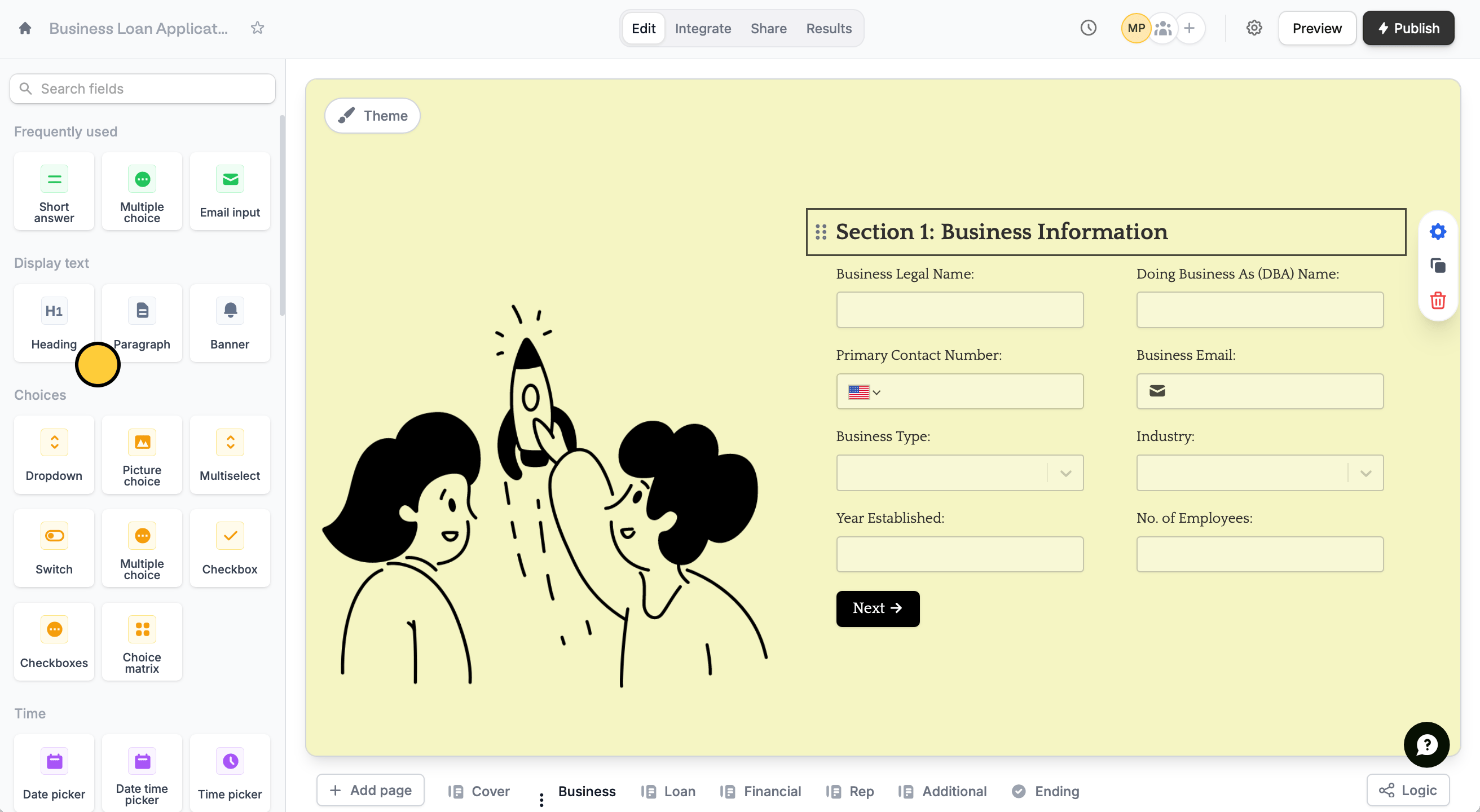 By default, your header will be colored according to your form’s theme. To change this, highlight the `header text`. You can also edit its formatting here and even make it a [hyperlink](https://www.fillout.com/help/add-links-to-form).
 If you are looking to collect responses with headings, use the **Rich text** field.
## Related articles
Select from hundreds of themes or create your own.
Add URLs in your form to link to external websites or services.
Use images, GIFs, picture choices, or combine them.
If you are looking to collect responses with headings, use the **Rich text** field.
## Related articles
Select from hundreds of themes or create your own.
Add URLs in your form to link to external websites or services.
Use images, GIFs, picture choices, or combine them.