> ## Documentation Index
> Fetch the complete documentation index at: https://fillout-005a867b-dependabot-npm-and-yarn-form-data-4-0-6.mintlify.site/llms.txt
> Use this file to discover all available pages before exploring further.
# Sharing & Embedding Forms
> Share your Fillout forms via link or embed it on your website.
## Share your form link
Click the `Publish` button at the top right of your form editor. Make sure your form is ready to go by trying it in `Preview` mode first!
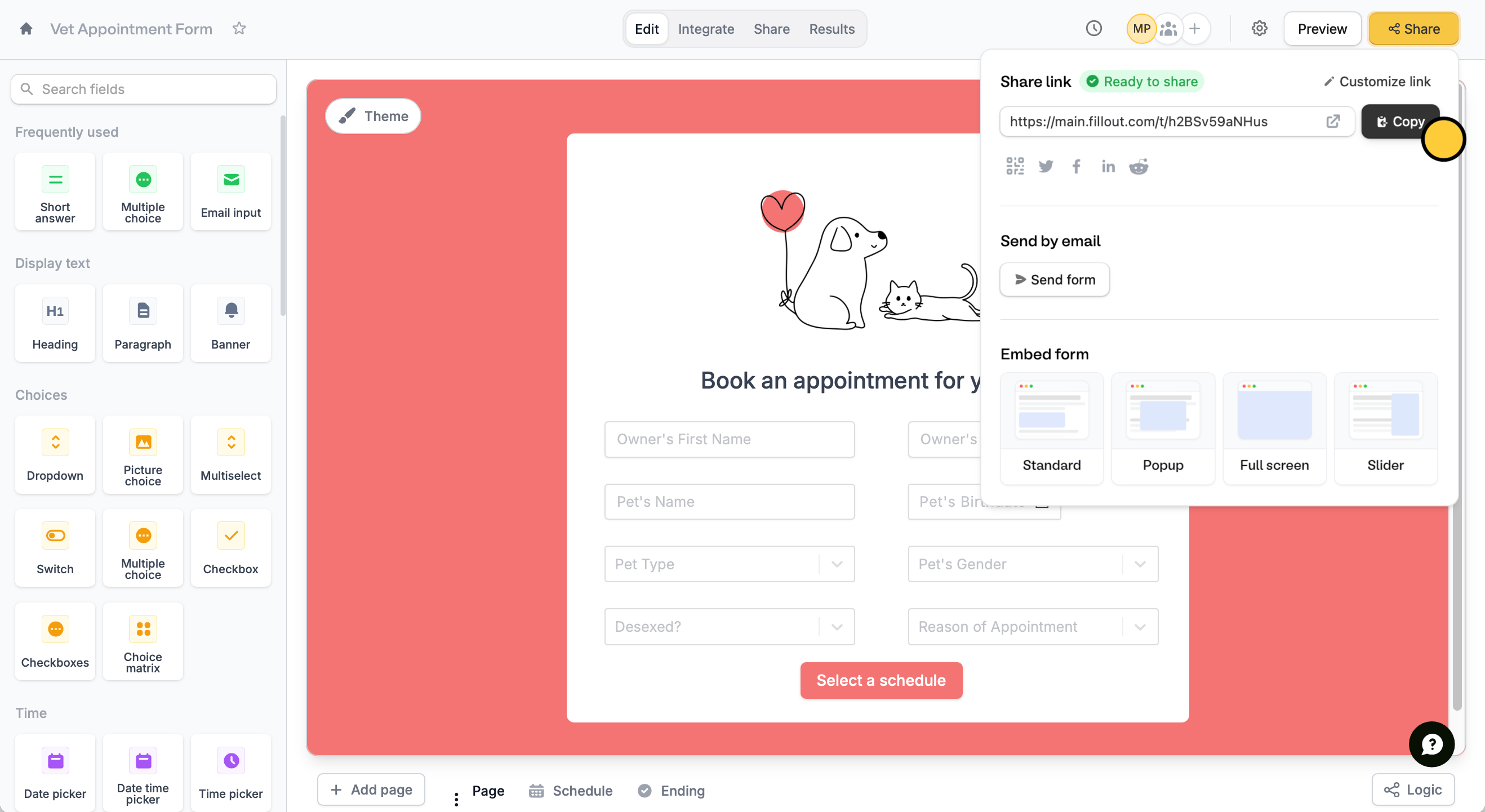 Then, `Copy` the unique link to your form, or open it in a new tab .
You can also view your link at any time in the `Share` tab from the top menu.
Then, `Copy` the unique link to your form, or open it in a new tab .
You can also view your link at any time in the `Share` tab from the top menu.
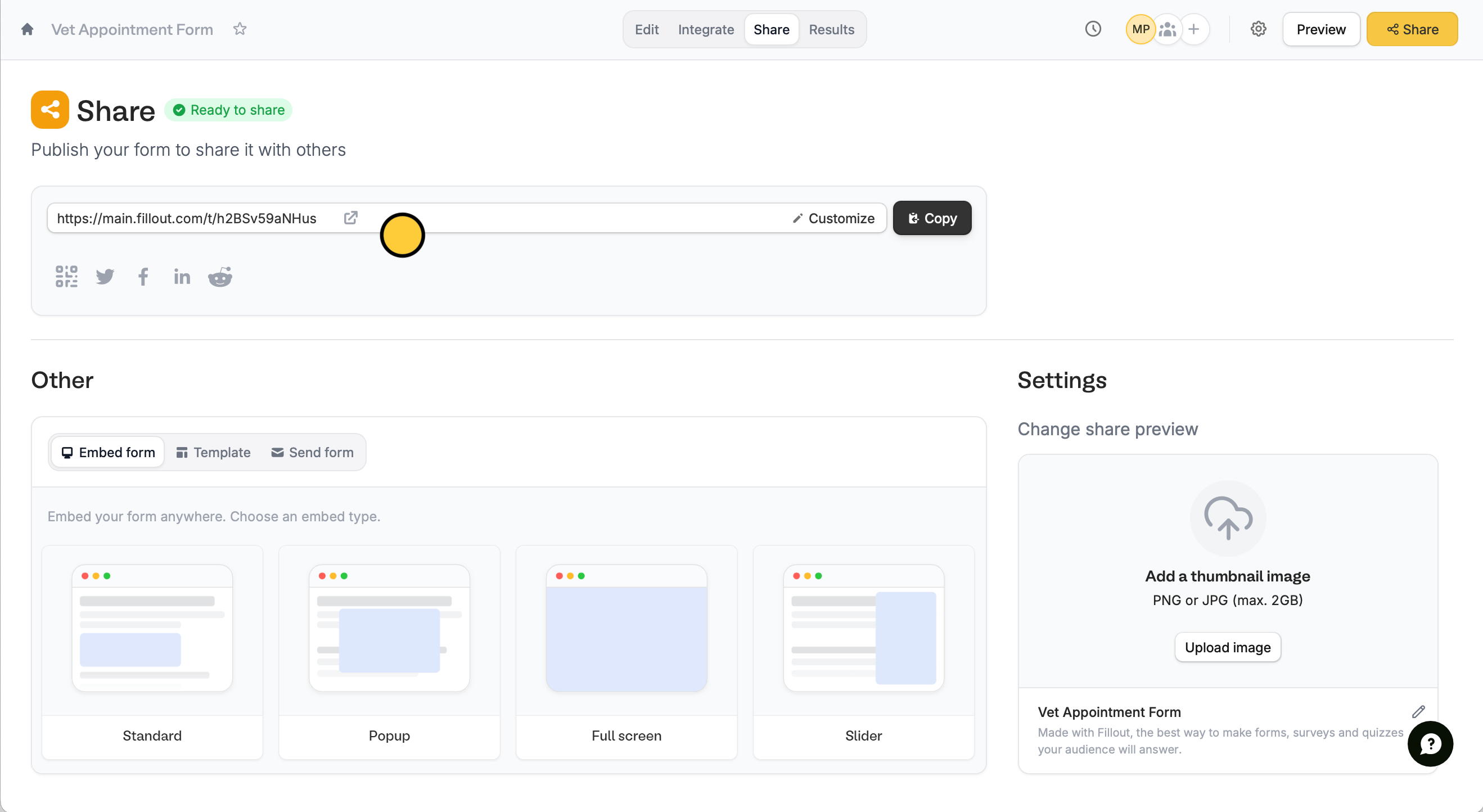 This can be distributed as hyperlinks or as a nicely formatted email. More info [here](https://www.fillout.com/help/email-form#how-to-send-your-form-via-email).
## Embed Fillout forms
Pick an embed option in the `Share` tab. You can embed it on your website in four different ways:
* **Standard** - a block embed on your site, which can be controlled in height and width
* **Popup** - an embed in a large popup on screen, opens the form by pressing a button
* **Full screen** - an embed that takes up the entire screen
* **Slider** - in a sliding bar from either the left or the right side of the screen, opens the form by pressing a button
Click `Use this embed` and copy/paste the result into your website builder, or directly into your HTML code. That’s all! Your forms should be ready to go.
This can be distributed as hyperlinks or as a nicely formatted email. More info [here](https://www.fillout.com/help/email-form#how-to-send-your-form-via-email).
## Embed Fillout forms
Pick an embed option in the `Share` tab. You can embed it on your website in four different ways:
* **Standard** - a block embed on your site, which can be controlled in height and width
* **Popup** - an embed in a large popup on screen, opens the form by pressing a button
* **Full screen** - an embed that takes up the entire screen
* **Slider** - in a sliding bar from either the left or the right side of the screen, opens the form by pressing a button
Click `Use this embed` and copy/paste the result into your website builder, or directly into your HTML code. That’s all! Your forms should be ready to go.